When people talk about SEO, the topics that usually dominate the conversation are keywords, backlinks, site speed, competitors, content quality, and technical structure. However, one powerful element often sits in the background despite being one of the most impactful factors in user experience: images.
This leads to an important question many website owners secretly ask:
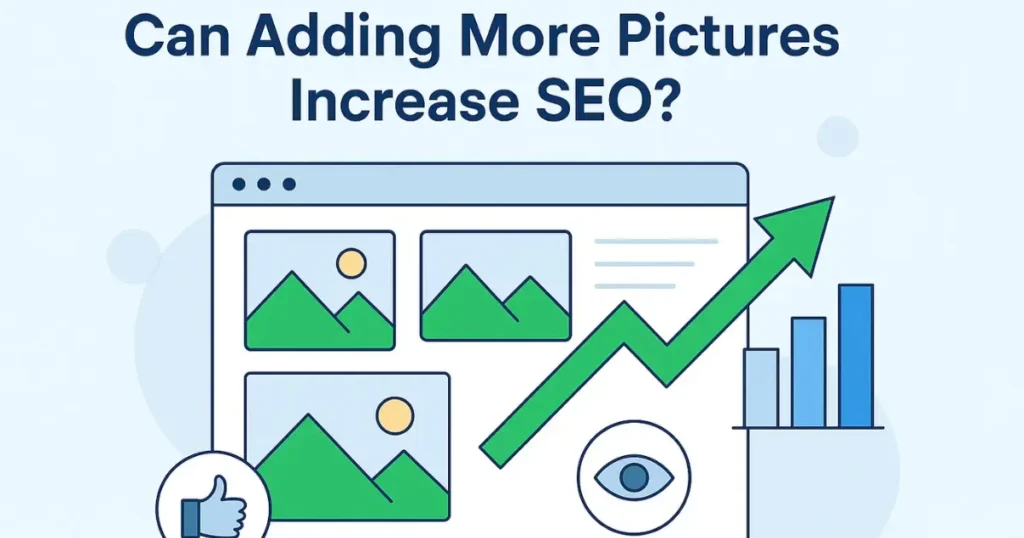
Can adding more pictures increase SEO?
The short, straightforward answer is YES — adding more pictures can improve SEO performance when done correctly.
But the detailed answer is even more interesting, because images influence SEO in multiple ways that most people never think about.
In this complete guide, you’ll discover and know how pictures affect SEO, the real benefits, stats you should know, and exactly how to use images to improve your rankings.
Why Pictures Matter More Than Ever for SEO
Search engines are constantly evolving. Google’s algorithms are designed to behave more like humans, understanding content quality, user satisfaction, and intent.
And in 2025-26, visual content is playing a bigger role than ever.
Important Fact:
According to a report by HubSpot, articles with relevant images get 94% more views compared to articles without images.
This means your content is almost twice as likely to attract users when it includes visuals.
But views are just the beginning. Images affect SEO far deeper.
1. Pictures Improve User Engagement, A Core SEO Signal
Search engines track how users behave after landing on your page.
Engaged users = SEO boost
Bored users = drop in rankings.
Pictures naturally increase engagement. They break monotony, add meaning, and keep readers interested.
When people engage more:
- Dwell time increases
- Bounce rate decreases
- Scroll depth improves
- Content satisfaction goes up
All these metrics indirectly improve your ranking potential.
Stat That Matters:
Studies show that users retain 65% of information when paired with a relevant visual — compared to only 10% with text alone.
This means images don’t just decorate your page…
They strengthen comprehension, making visitors stay longer.
2. Images Help You Rank in Google Images (Extra Traffic Source)
Many website owners forget that Google Images is a search engine of its own.
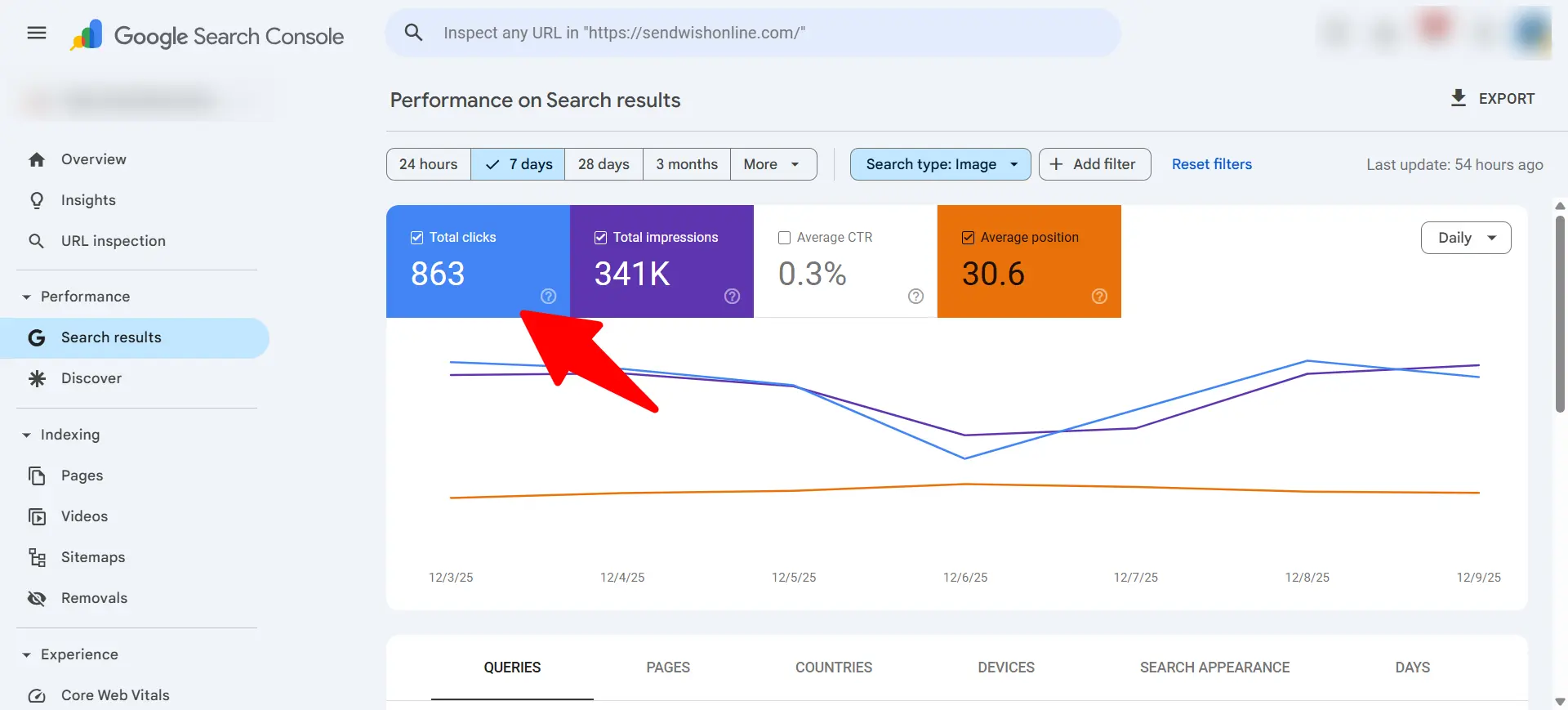
Google Images generates over 20% of all web search volume — meaning one out of every five searches is image-based.
When you add images:
- They get indexed
- They appear in Google Images
- They bring additional traffic
- They strengthen your page’s authority
A single well-optimized picture can drive hundreds or even thousands of visitors.
3. Pictures Make Content Easier to Read
Long paragraphs without visuals feel heavy.
Readers exit quickly, which sends Google a negative quality signal.
Images solve this by:
- Breaking content into digestible sections
- Providing visual explanations
- Making articles more appealing
- Reducing reading fatigue
Google sees this improved user behavior and rewards the page.
Related Post:
- How to Predict SEO Results | A Complete Expert Guide for Accurate Forecasting
- How to Improve Google My Business Ranking | A Complete Expert Guide for 2025
- How to Be the First on Google Search | A Complete, Practical Guide From an SEO Expert
- How Long Does It Take to Learn Search Engine Optimization? (A Realistic, Expert Answer)
4. Adding More Pictures Improves Semantic Relevance
SEO today is not just about keywords — it’s about topic relevance.
When you add images that directly relate to your subject, it strengthens:
- Topical depth
- Relevance
- Context
- Search intent alignment
This helps Google understand that your page is thorough, complete, and valuable.
The more complete your content appears, the better your chances of ranking well.
5. Alt Text Helps Boost Keyword Visibility in a Natural Way
Search engines cannot “see” images the way humans do.
They rely on alt text — a line of descriptive text that tells Google what the image represents.
When used correctly, alt text:
- Reinforces primary keywords
- Adds semantic variation
- Improves accessibility
- Supports ranking signals
Example:
Instead of:
image1.png
Use:
can adding more pictures increase seo infographic
This small step can significantly help your page rank better for your target keyword.
6. More Images Increase the Perceived Value of Content
High-value content is one of Google’s favorite ranking signals.
And what makes content feel high value?
- Data
- Visual examples
- Step-by-step images
- Illustrations
- Infographics
- Diagrams
- Charts
Even if two articles contain the same text, the one with helpful visuals will ALWAYS rank better in the long run.
Does Adding More Pictures Directly Increase SEO?
Not exactly.
Images themselves are not “ranking factors.”
But everything they influence is a ranking factor:
- User engagement
- Bounce rate
- Relevance
- Content clarity
- Dwell time
- Page experience
- Accessibility
- Search engine understanding
So the correct explanation is:
Adding more pictures increases SEO because of the positive signals they create.
It’s not the images;
it’s the impact images have on your page’s performance.
How Many Pictures Should You Add for Better SEO?
There is no rule from Google, but based on UX studies and SEO performance data:
- 500–700 words: 2–3 images
- 1,000–1,500 words: 4–6 images
- 2,000+ words: 6–10 images
The real rule is simple:
Add images wherever they help the reader understand the topic better.
Don’t add images just for decoration — add them for clarity, value, and engagement.
Also check, What Is uvlack? A Powerful, Updated, and Complete Guide.
How to Optimize Images for Maximum SEO Power
Adding images is easy.
Optimizing them is where real SEO results happen.
Here’s how to do it properly:
1. Compress Images to Speed Up Your Site
Large images slow your page — and page speed is a ranking factor.
Use:
- TinyPNG
- ShortPixel
- WebP format
A 1MB image should be reduced to 100–150KB without losing quality.
2. Use Keyword-Friendly File Names
Google reads the file name.
Good example:
adding-pictures-to-boost-seo.webp
Bad example:
IMG_88755_final.png
3. Write Descriptive Alt Text
Keep it natural and meaningful.
Example alt text:
“example showing how adding more pictures can increase SEO performance”
4. Use Original Images When Possible
Google gives more weight to unique visuals compared to heavily-used stock images.
Even simple screenshots or basic custom graphics perform better than generic stock photos.
5. Add Captions When Relevant
Captions are read 300% more than body text.
If used properly, they strengthen SEO relevance.
6. Make Sure Images Load Responsively
A mobile user must see the same clean, fast, responsive image experience.
Mobile SEO depends heavily on responsive visuals.
Benefits of Adding More Pictures for SEO (Summary)
When done correctly, images bring:
- ✔ Higher user engagement
- ✔ More time spent on your content
- ✔ Lower bounce rate
- ✔ Better readability
- ✔ Stronger topical authority
- ✔ Extra traffic from Google Images
- ✔ Enhanced keyword relevance
- ✔ Better conversion rates
- ✔ Increased user satisfaction
And all of these translate into stronger search engine rankings.
Common Mistakes to Avoid When Adding Pictures
Avoid these errors if you want maximum SEO benefit:
❌ Uploading images without compression
❌ Using irrelevant or decorative images
❌ Keyword stuffing inside alt text
❌ Using copyrighted images
❌ Adding too many visuals that slow down the page
❌ Ignoring mobile responsiveness
Balance and optimization are the keys.
Related Post:
- How Do You Know If Your SEO Is Working? A Complete Guide by an SEO Expert
- What’s an SEO Company? A Complete Expert Guide for Businesses in 2026
- What Is the Role of SEO in Digital Marketing? (Expert Breakdown for Better Rankings & Growth)
- What Is SEOS? A Complete Beginner-Friendly Guide (Explained by an SEO Expert)
Final Answer! Can Adding More Pictures Increase SEO?
Yes — adding more pictures can significantly increase SEO when the images are relevant, optimized, and enhance user experience.
Images make content more readable, engaging, valuable, and understandable. They also improve search engine signals, help you rank in Google Images, and increase user satisfaction.
If your goal is to rank higher, adding strategic, high-quality visuals is one of the smartest improvements you can make today.